How Teachers Can Introduce Artificial Intelligence Without Prior Coding Experience
Artificial Intelligence (AI) is becoming an important part of everyday life. From voice assistants and recommendation systems to language translation and image recognition, AI technologies are changing how people learn, work, communicate, and solve problems.

As these technologies become more common, schools have an opportunity to help students understand how AI works and how it can be used responsibly.
However, introducing AI into the classroom can feel challenging for teachers who have little or no experience with programming. Many educators assume that teaching artificial intelligence requires advanced mathematics, computer science knowledge, or extensive coding experience.
The good news is that AI education does not have to begin with complicated programming.
Teachers can introduce AI through familiar examples, visual learning tools, guided experiments, and practical classroom activities. With the right resources and teaching approach, educators can help students explore AI concepts while developing curiosity, critical thinking, and digital literacy.
In this guide, we explore how teachers can introduce artificial intelligence into their classrooms without needing a technical background.
1. Start With Artificial Intelligence Students Already Know
The easiest way to introduce AI is to connect it with technologies students may already use.
Many students encounter AI through mobile applications, online platforms, digital assistants, and educational tools without necessarily understanding how these systems work.
Teachers can begin by discussing familiar examples such as:
- Voice assistants that respond to spoken questions.
- Video platforms that recommend content based on viewing patterns.
- Translation applications that convert text between languages.
- Email systems that identify potential spam.
- Image recognition systems that identify objects in photographs.
- Navigation applications that estimate travel times and suggest routes.
These examples help students recognise that AI is not a distant or imaginary technology. It is already being used in many everyday applications.
Teachers can encourage classroom discussions with questions such as:
- How does a voice assistant recognise what we say?
- Why do different people receive different recommendations online?
- Can an AI system make a mistake?
- How can we decide whether an AI-generated answer is reliable?
Such discussions introduce AI concepts naturally and encourage students to ask questions before moving to practical activities.
2. Explain the Basic Concepts of AI in Simple Language
Teachers do not need to begin with advanced technical definitions. Instead, they can introduce foundational concepts using familiar examples.
What Is Artificial Intelligence?
Artificial Intelligence refers to computer systems designed to perform tasks that commonly involve abilities such as recognising patterns, understanding language, making predictions, or generating content.
For example, an AI-powered image recognition system may analyse a photograph and predict whether it contains a cat or a dog.
What Is Data?
Data is information that a computer system can process.
For example, a collection of photographs labelled as cats and dogs can provide examples for training an image classification model.
Students can explore how the quality and variety of these examples affect the model’s performance.
What Are Patterns?
Patterns are similarities, relationships, or recurring features found in information.
An image recognition system may learn to associate certain visual features with particular categories. However, it may still make mistakes when presented with unfamiliar images or examples that differ significantly from its training data.
What Is Machine Learning?
Machine learning is a branch of AI in which computer systems learn patterns from data to perform tasks or make predictions.
Instead of manually writing every rule for a task, developers can train a suitable model using examples.
Teachers can explain this concept through simple experiments in which students provide examples, train a model, and test its predictions.
Why Does Responsible AI Matter?
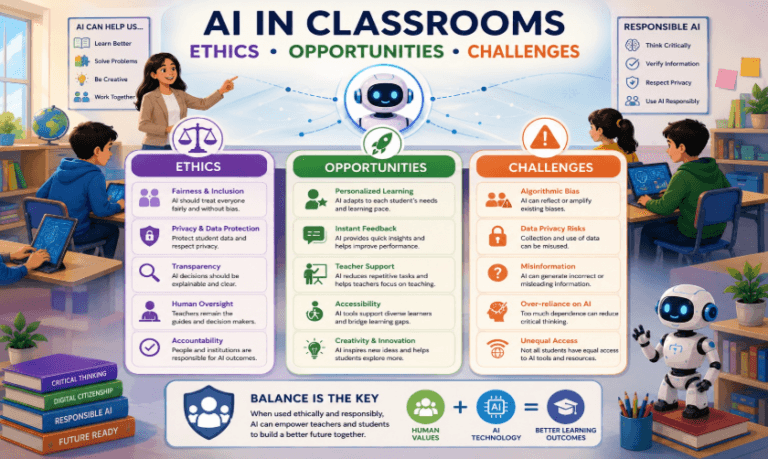
Students should understand that AI systems are not always accurate, neutral, or appropriate for every situation.
AI literacy includes learning to verify information, protect personal data, question potentially biased results, and recognise when human judgement is necessary.
Introducing these concepts early helps students develop a balanced understanding of AI rather than viewing it as a technology that always produces correct answers.
3. Use Visual AI Tools That Do Not Require Coding
Visual learning tools allow students to experiment with AI concepts without writing complex programs.
One example is Google’s Teachable Machine, which enables users to train simple machine learning models using examples of images, sounds, or body poses.
Teachers can use such tools to demonstrate how training data influences predictions.
Classroom Activity: Build a Simple Image Classifier
Objective: Help students understand how an AI model learns patterns from examples.
Requirements:
- A computer with internet access.
- A webcam or prepared image examples.
- Access to a suitable visual machine learning tool.
- Teacher guidance and a simple worksheet.
Activity steps:
Step 1: Choose two categories
Ask students to choose two categories that can be distinguished visually, such as pencils and erasers.
Step 2: Collect examples
Students provide several examples for each category. They should include a reasonable variety of appearances, backgrounds, and orientations.
Step 3: Train the model
Using the selected tool, students train a simple model with their examples.
Step 4: Test the predictions
Students present new examples and observe whether the model identifies the categories correctly.
Step 5: Investigate mistakes
Ask students what happens when an object is partially hidden, appears in an unfamiliar setting, or differs from the training examples.
Step 6: Improve the model
Students can add more varied examples, retrain the model, and compare the results.
What Will Students Learn?
Through this activity, students can explore training data, pattern recognition, predictions, testing, and model limitations.
They also discover that an AI model’s performance depends partly on the examples it receives.
Teachers should use classroom-approved tools, follow applicable school policies, and avoid uploading identifiable student photographs or other personal information without appropriate authorisation.
4. Introduce AI Through Everyday Classroom Activities
Artificial intelligence can be integrated into different subjects rather than being limited to computer science lessons.
This interdisciplinary approach helps students understand how AI can support different kinds of work.
AI in Mathematics
Students can explore datasets, organise information into tables, identify patterns, and discuss how predictions differ from exact mathematical calculations.
For example, they can examine a simple dataset and consider how historical information might be used to estimate future values.
AI in Environmental Science
Students can discuss how image recognition might help classify recyclable materials or how AI-assisted systems can analyse environmental observations.
They can design a classification activity using sample images and evaluate where the predictions may be unreliable.
AI in Language Learning
Students can examine AI-generated summaries or explanations and compare them with reliable learning materials.
Teachers can ask students to identify missing information, factual errors, unclear wording, or unsupported statements.
AI in Social Science
Students can explore how recommendation systems influence the information people see online.
Class discussions can cover digital responsibility, information quality, fairness, and the importance of considering different perspectives.
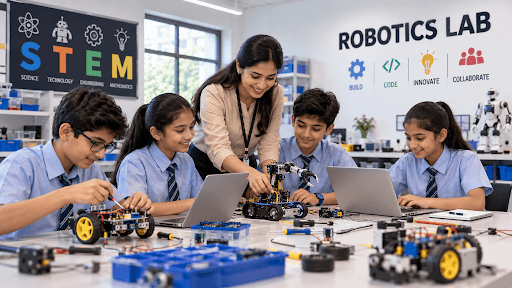
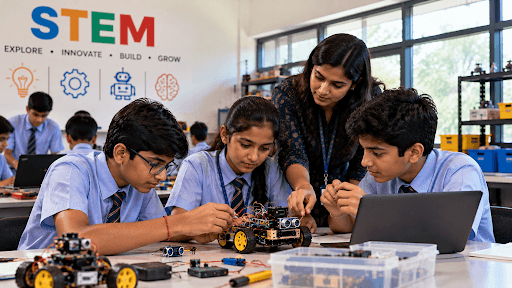
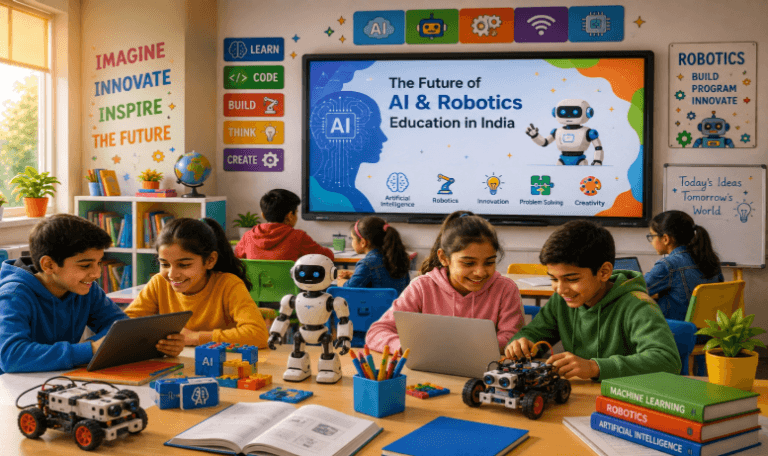
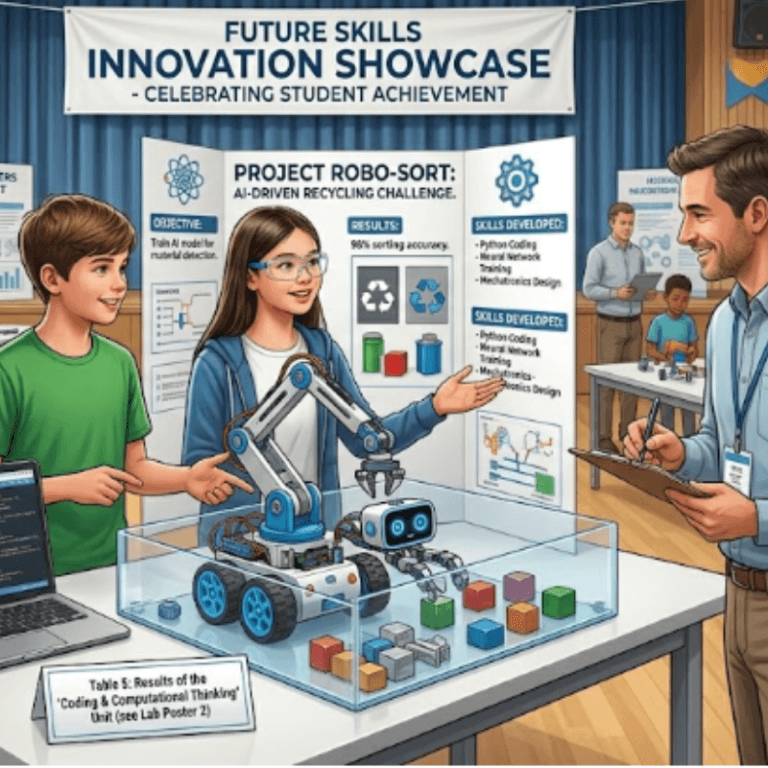
AI in Robotics
Students can learn how robotics and AI are related but different.
A basic robot may follow explicit instructions programmed by a student, while an AI-enabled robot may use a trained model to recognise objects or classify inputs.
This comparison helps students understand how sensors, programming, electronics, and AI can work together in more advanced systems.
5. Teach Students to Question AI-Generated Answers
Learning to use AI tools is only one part of AI education. Students also need to learn how to evaluate their outputs.
AI systems can produce incorrect information, misleading explanations, or responses that sound confident without being accurate.
Teachers can develop critical thinking through short verification exercises.
Classroom Activity: Fact-Check an AI Response
Objective: Teach students to evaluate AI-generated information instead of accepting it automatically.
Activity steps:
- Select an age-appropriate question related to a classroom topic.
- Generate an AI response using a school-approved tool.
- Ask students to identify the main factual claims.
- Compare those claims with textbooks or reliable reference materials.
- Identify errors, missing context, or unsupported statements.
- Rewrite the response using verified information.
Students can discuss which parts of the response were useful and which required correction.
This activity reinforces research skills, independent thinking, and responsible use of digital tools.
Teachers should also explain that AI-generated work must be used in accordance with school rules and academic integrity guidelines.
6. Make AI Education Safe and Responsible
As students begin using AI tools, schools should establish clear expectations about privacy, safety, and responsible behaviour.
Teachers should explain that students must not share passwords, personal addresses, private school records, or other sensitive information with unapproved AI applications.
Schools should review the age requirements, privacy policies, and terms of any tools they intend to use. Student access should follow applicable school policies and parental consent requirements where relevant.
Responsible AI education should also cover:
Accuracy: AI-generated content must be checked before being treated as factual.
Bias and fairness: AI systems can reflect limitations or biases in the data used to develop them.
Privacy: Personal information should be protected, and only approved tools should be used for classroom activities.
Transparency: Students should disclose AI assistance when required by their school’s academic policies.
Human judgement: AI can assist with certain tasks, but people remain responsible for evaluating its output and deciding how to use it.
These principles help students develop healthy, informed relationships with technology.
7. Build Teacher Confidence Through Training
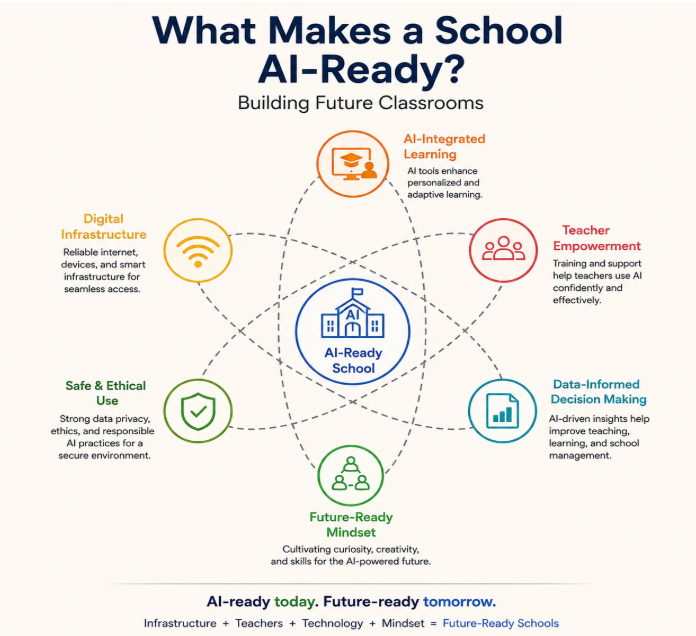
Although teachers can begin with simple AI activities, structured training can make classroom implementation more effective.
Professional development should focus on practical applications rather than technical theory alone.
A useful teacher training program may include:
- Introduction to AI and machine learning concepts.
- Demonstrations of beginner-friendly AI tools.
- Guided classroom activities and experiments.
- Lesson planning for different grade levels.
- Methods for evaluating AI-generated information.
- Responsible AI use and student data privacy.
- Assessment techniques and project-based learning.
- Troubleshooting and ongoing support.
Teachers should have opportunities to practise activities before conducting them with students.
For example, a workshop might begin with an introduction to AI, continue with an image classification activity, and conclude with teachers developing a lesson plan for their own subject.
This approach allows educators to build confidence gradually while understanding how AI can fit into their existing teaching practices.
8. Create a Simple AI Learning Roadmap for Schools
Schools can introduce AI education progressively rather than attempting to cover every concept at once.
A possible beginner-friendly roadmap is outlined below.
Stage 1: AI Awareness
Students identify examples of AI in everyday life and discuss what these systems do.
Stage 2: Understanding Data and Patterns
Students explore how examples, categories, and patterns help computer systems perform classification or prediction tasks.
Stage 3: Hands-On AI Experiments
Students use an appropriate visual learning tool to train and test a simple model.
Stage 4: Critical Thinking and Responsible Use
Students evaluate AI-generated information, explore possible errors, and discuss privacy, fairness, and accuracy.
Stage 5: AI-Based Projects
Students work on guided projects that connect AI with subjects such as science, environmental studies, mathematics, or robotics.
The roadmap should be adapted to the students’ ages, prior knowledge, curriculum, available technology, and school policies.
9. How Schools Can Evaluate AI Learning Outcomes
Introducing AI activities is only the beginning. Schools should also consider how to assess whether students understand the concepts being taught.
Assessment does not need to rely entirely on written examinations.
Teachers can evaluate learning through:
- Short concept quizzes.
- Practical AI demonstrations.
- Student explanations of how a model was trained.
- Comparisons between predictions and actual results.
- Group discussions about model limitations.
- Project presentations and written reflections.
- Exercises on privacy, accuracy, and responsible AI use.
For example, after completing an image classification activity, students could explain why a model made an incorrect prediction and suggest ways to improve the training data.
This demonstrates whether they understand the learning process rather than merely knowing how to operate a tool.
Schools can use these assessments to identify learning gaps and improve future activities.
Conclusion
Artificial Intelligence education does not have to begin with complicated programming or advanced technical knowledge.
Teachers can introduce AI through familiar examples, visual learning tools, guided experiments, and classroom discussions. These approaches help students understand how AI systems use data, identify patterns, and make predictions.
Equally important, students need opportunities to question AI outputs, verify information, protect personal data, and understand the limitations of automated systems.
With appropriate resources, practical training, and a structured learning roadmap, schools can make AI education accessible to teachers and students across different learning levels.
The goal is not simply to teach students how to use AI applications. It is to help them understand the technology, think critically about its applications, and use it responsibly.
Bring AI and STEM Learning to Your School With STEMLearn.AI
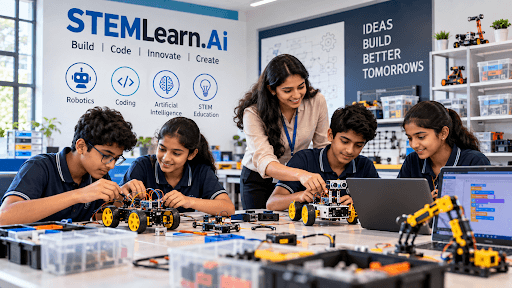
STEMLearn.AI supports schools in introducing practical learning experiences through Artificial Intelligence, robotics, coding, and STEM education.
By combining structured learning with hands-on activities, schools can provide students with opportunities to explore emerging technologies, develop computational thinking, and apply their knowledge to real-world challenges.
Whether your school is beginning its AI education journey or looking to expand its existing STEM initiatives, a structured and practical approach can help make technology learning more accessible and engaging.
Interested in introducing AI, robotics, and hands-on STEM learning at your school? Explore STEMLearn.AI’s educational programs and learning solutions.
Categories
Recent Post