
Robotics & AI – Grade 9
Level: Foundational Stage
- 5K+ Registered Students
- 50+ Hands-on Projects
- 30+ Live Sessions
Program Overview
-
NEP 2020 Aligned STEM Curriculum
Comprehensive, grade-wise lesson plans, projects, and resources aligned with national education frameworks to foster experiential learning.
-
Hands-On & Project-Based Learning
Practical lab activities, real-world simulations, and engaging projects designed to build problem-solving and innovation skills.
-
Expert-Led & Adaptive Learning
Live, interactive sessions led by experienced STEM trainers, supported by adaptive pathways and techno-books for guided, personalized learning.
-
21st Century Skills Development
Focus on creativity, logical reasoning, critical thinking, teamwork, and communication, preparing students for future academic and professional success.
-
Experiential & Hands-On Learning
Students learn by building and experimenting with models, making abstract ideas concrete and memorable.
-
Visual & Interactive Teaching Aids
Videos, simulations, and interactive experiments simplify complex concepts and enhance retention.
-
Project-Based Learning (PBL)
Each module culminates in projects that encourage creativity, design thinking, and problem-solving.
-
Storytelling & Contextualization
Robotics and AI are introduced through relatable stories and everyday examples, helping children connect technology with real life.
-
Personalized & Adaptive Guidance
Small group and 1:1 learning ensures that every child progresses at their own pace with focused attention.
-
Playful Exploration & Collaboration
Games, puzzles, and group activities create a joyful learning environment while fostering teamwork and innovation.
Our Methodology
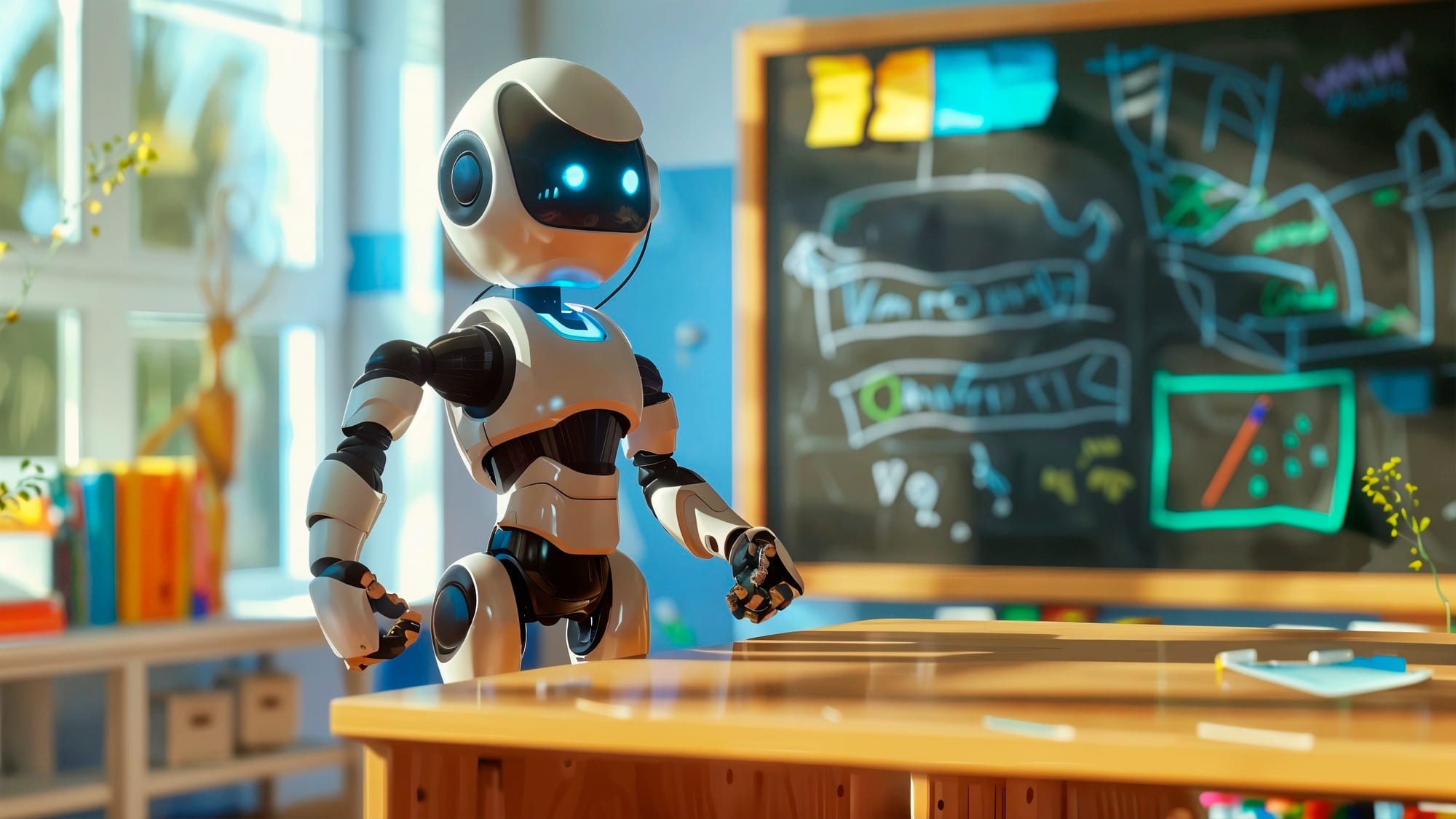
- 30+ interactive live sessions (45–60 minutes each, teacher-led and highly engaging)
- 50+ hands-on activities & virtual simulations with real-world application
- 20+ storytelling & design-based projects that connect concepts to practice
- STEM Lab setup & techno-books with QR-based interactive content and resources
- Activity-based & project-based assessments to track progress and improvement
- Exploration of AI & robotics in everyday life through simple, age-appropriate applications
- Progressive learning pathways covering mechanical builds, sensor integration & AI-powered simulations
- National-level SparkX Innovation Challenge to showcase creativity, teamwork, and problem-solving
Goals that we achieve through the program
STEM Foundation
- Build a Strong STEM Base
- 50+ Hands-on Activities
- Learn basics of machines, motion, and simple circuits
- Develop Early Engineering Thinking
Creativity & Collaboration
- Spark Creativity & Imagination
- Design and Build “Dream Robots”
- 30+ Team Projects and Wonder Challenges
- Enhance Communication & Teamwork
AI Awareness & Growth Mindset
- Gain Early Awareness of AI in Daily Life
- 10+ Design Thinking Activities
- Develop Problem-Solving and Logical Thinking
- Build Confidence through Making & Experimenting
Our Curriculum
| Session | Chapter Name | Project | Concepts Covered |
|---|---|---|---|
| 1 | Welcome to AI | AI vs Traditional Programming | Define AI, explore real-life examples, understand how AI learns |
| 2 | AI Guardian | Intruder Alarm with Face Recognition | Train AI models, build a smart alarm system, learn indirect port usage |
| 3 | Smart Gestures | Gesture-Controlled AI Gate | Gesture detection with AI, crank-link mechanism, mini gate build |
| 4 | Blink It On! | First Arduino Program – Blink LED | Learn Arduino syntax, setup(), loop(), pin control |
| 5 | Rainbow in Action! | 3-Color LED Pattern Logic | Write modular Arduino code, use loops & functions to control LEDs |
| 6 | Slow Down, Speed Up | Speed Control in Motors | Control motor speed using code and delay function |
| 7–8 | Build Your Own Wonder – I | AI Attendance Monitor | End-to-end AI project: design, build, test, improve |
| 9–10 | Build Your Own Wonder – II | Arduino Toggle Panic Alarm | Arduino logic + user interaction in a safety prototype |
| Session | Chapter Name | Project | Concepts Covered |
|---|---|---|---|
| 1 | The Automatic Night Lamp! | Create an Automatic Night Lamp using Arduino Uno and LDR Sensor | Arduino basics, LDR sensor input, LED control, light-based automation |
| 2 | Servo Warriors: Angle Control! | Create a Robotic Arm that Rotates at 0°, 90°, and 180° | Servo motor control, Arduino coding, angle-based motion, robotics applications |
| 3 | Smart Signals: The Colorful Alert Bot! | Create a Smart Colorful Alert System | RGB LED color mixing, buzzer control, Arduino input-output programming |
| 4 | Drive Your Code: First Robot Car | Build a Remote-Controlled Car | Motor control, chassis assembly, movement logic, basic coding for motion |
| 5 | BeatGlide: Create Music with a Wave of Your Hand | Design a Piano Robot using IR Sensors | Gesture recognition, IR sensor input, sound generation, touchless technology |
| 6 | RoboGroove: Dances to Your Touch! | Design and Build a Dance Robot | Touch sensor working, motor coordination, coding responses to touch |
| 7–8 | Build Your Own Wonder – I | Design and Build a Robot Performer using Advanced A-Bot Kit | Problem-solving, design thinking, motion, light, and sound integration |
| 9–10 | Build Your Own Wonder – II | Design and Build a Smart Robot Gate | Automation, microcontroller control, prototyping, real-world smart systems |
Testimonials
Ankit Kumar
Afzal Siddiqui
Ravi Kumar
Frequently Asked questions
The FAQ section provides quick answers to common questions, helping users find information easily and save time.

Do you have questions?
Do you have questions?